Best Practices For Setting Up Tech At Your Coffee Pop-Up Cart

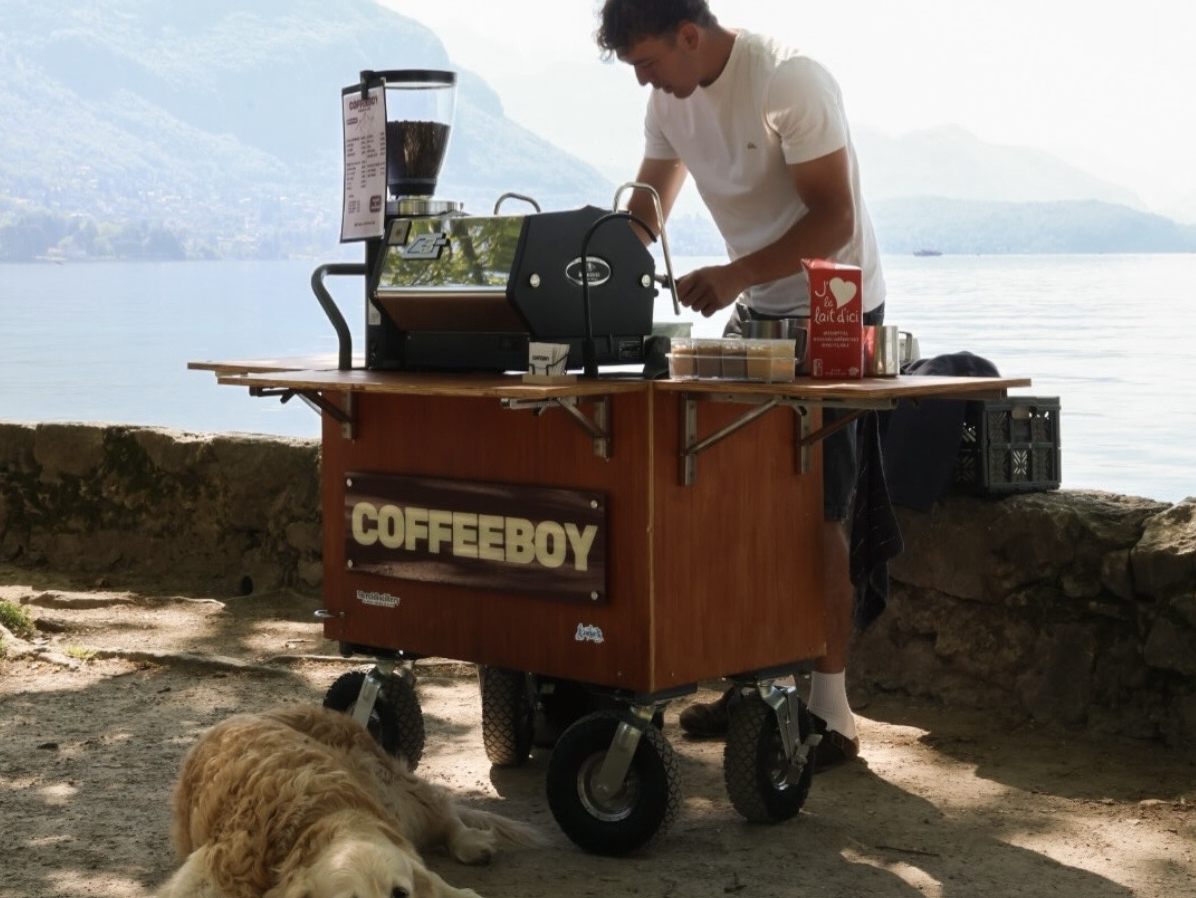
Pop-up carts run on tight margins for space, time, and patience. You've got a few square feet, a line that can form in seconds, and no back office to duck into if something breaks. The tech behind the counter needs to work as hard as you do, without getting in the way.
Here's how to set up a pop-up cart's tech stack.
Start with power, not the POS
Before you pick a single piece of software, map out your power situation. This is the part that trips up most new pop-ups.
- Know your source. Are you plugging into a generator, a borrowed outlet at a venue, or running entirely on battery? Each has different limits on how many devices you can run at once.
- Charge everything the night before, then bring a backup anyway. A dead tablet mid-rush isn't a software problem, it's a planning problem.
- Use a portable battery pack rated for your setup. A phone-sized power bank won't cut it for a tablet, card reader, and receipt printer running for six hours straight.
- Test your full setup on battery power before your first event, not during it. Run it for as long as your actual event will last, not just for ten minutes.
Choose a POS built for mobility, not adapted for it
A lot of point-of-sale systems are designed for a fixed counter with a wired connection and never quite let go of that assumption. For a cart, you want software that was built assuming you'd be moving.
Look for:
- Offline mode that actually works. Markets and outdoor events often have spotty cell service. Your POS should keep taking orders and payments when the connection drops, then sync everything once it's back.
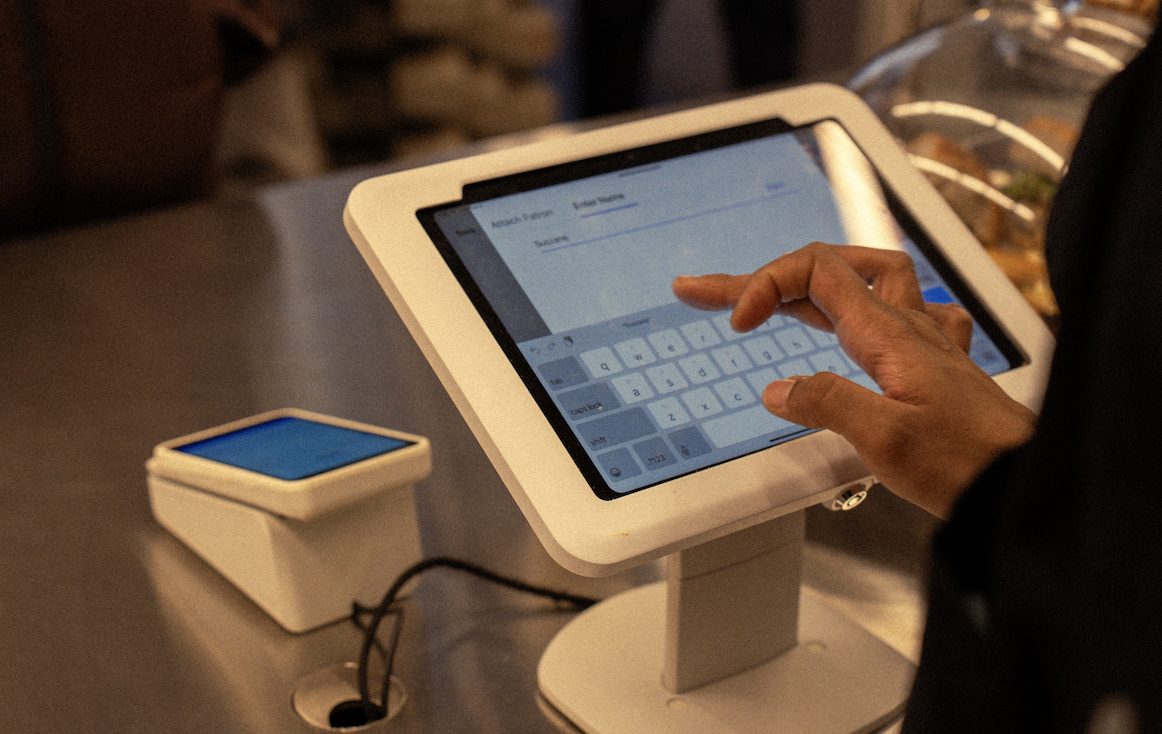
- A simple hardware footprint. One tablet, one card reader, one receipt printer if you use one at all. Every extra cable is one more thing to lose or short out on cart vibration.
- Menu changes you can make from your phone. If you sell out of oat milk an hour into the event, you need to update your menu in seconds, not dig through settings on a shared tablet while a line forms.
Set up your card reader for real-world conditions
Card readers at outdoor events deal with sun glare, cold hands, and gloves. A few adjustments make a real difference:
- Mount the reader where it's shielded from direct sun. Screens wash out fast, and customers fumble with tap and chip when they can't see what they're doing.
- Keep a charging cable on you, not just at the cart. If you step away to restock, the reader shouldn't die while you're gone.
- Confirm your reader supports tap, chip, and mobile wallets. Pop-up crowds skew toward tap-to-pay, and a reader that only does chip will slow your line down.
Build in redundancy for the things that actually fail
You don't need a backup for everything, but a few failure points are common enough to plan for:
- A second card reader, even an old one, as backup. Readers die from drops and weather more than software issues.
- A paper backup for orders. If your tablet locks up mid-transaction, a notepad and a pen keep the line moving while you restart.
- A charged phone as a hotspot. If the venue's WiFi disappears, your phone's data connection can carry your POS through offline sync.
Keep your setup checklist boring and repeatable
The best pop-up tech setups aren't clever, they're consistent. Before every event:
- Charge every device fully, including backups.
- Confirm your POS software is updated (do this at home, not on-site).
- Test the card reader with a $1 transaction before doors open.
- Check your menu for accuracy, especially pricing and sold-out items.
- Pack a physical backup kit: notepad, pen, extra cables, a portable battery.
Running through the same five steps every time means less to think about once you're actually setting up the cart, and fewer surprises once customers show up.
The setup should disappear into the background
The goal of any tech setup for a pop-up cart is that nobody notices it. Customers should experience a fast line and a good cup of coffee, not a tablet that's rebooting or a card reader that won't connect. Spend the planning time up front so the day itself is just about pouring good coffee and keeping the line moving.
Read more about how Dripos can support here.