What To Look For In a Cafe POS

What to look for in a cafe POS system
If you've ever stood behind a counter during a Saturday morning rush, you already know what a bad POS feels like. Slow screen loads. A modifier setup that doesn't match how your menu actually works. A system that requires multiple taps to ring up a drip coffee. It's not just annoying. It costs you money, slows down your team, and frustrates customers who had a five-minute window to grab their order and get to work.
The right cafe POS system changes that. But with dozens of options on the market, it can be hard to know what actually matters versus what's just feature bloat dressed up in good marketing. This guide breaks it down.
Why "generic" POS systems fall short for cafes
Most point-of-sale systems were built for retail or full-service restaurants. They handle transactions fine. But they weren't designed around the specific rhythms of a coffee shop: high ticket volume, small average order sizes, fast turnaround expectations, and a menu that might change weekly based on seasonal offerings or what your roaster has in stock.
When you force a generic system to fit a cafe environment, you end up with workarounds. Custom modifier setups that don't quite behave the way you need. Loyalty programs bolted on from a third-party app that doesn't sync cleanly with your POS. Payroll handled in a separate tool. Scheduling in another one. Suddenly you're paying for four different subscriptions and spending time every week manually reconciling data across all of them.
The best cafe POS systems are built around how coffee shops actually operate from the start, not adapted after the fact.
What a cafe POS system should actually do
Here's a practical breakdown of what matters, in order of day-to-day impact.
Speed and ease at the counter
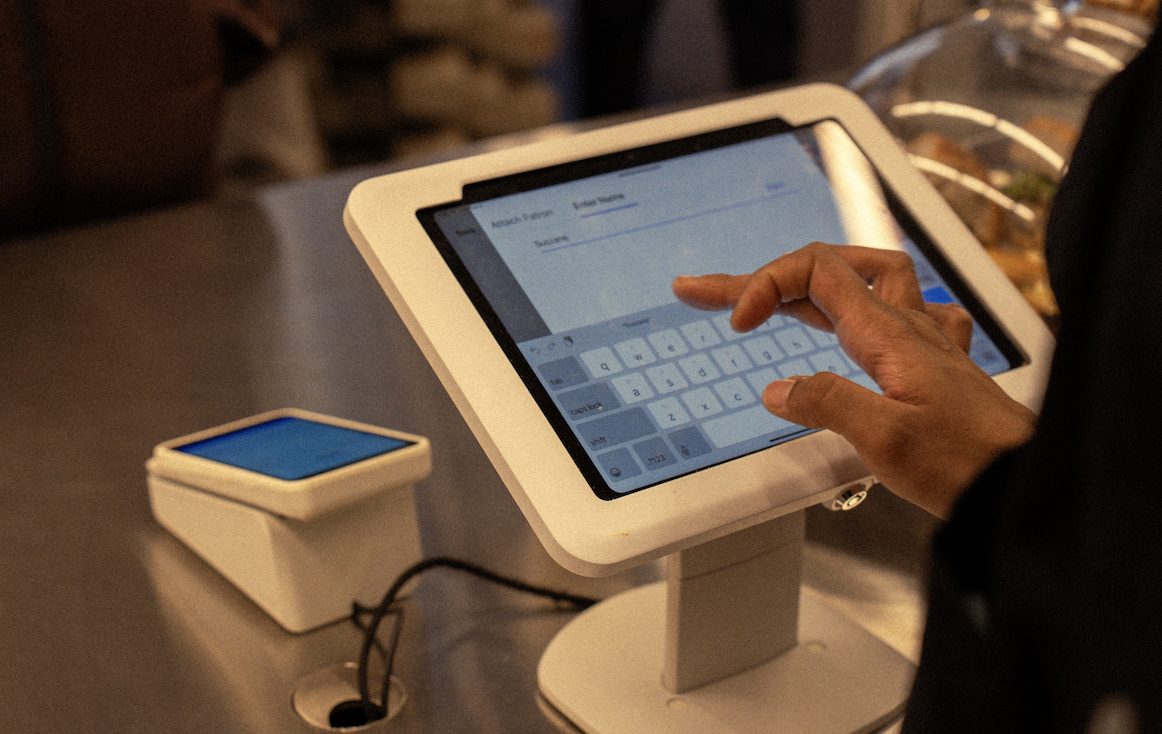
Your front-of-house setup needs to handle volume without friction. Look for a POS that supports quick ordering with minimal taps, smart modifier defaults that match your drink customization logic, and a layout you can configure yourself without calling support. If your baristas have to think too hard about how to ring something up, it slows everything down.
Online ordering built in
A separate online ordering tool that loosely connects to your POS is a liability. Orders come in without syncing properly. Menu changes on one side don't reflect on the other. A cafe POS system worth using has online ordering natively integrated, so what customers see on your website or app matches exactly what you're serving that day, and orders flow directly to your kitchen display or printer without a middle step.
Loyalty that works the way customers expect
A punch card was fine in 2012. Today's customers expect a digital loyalty program that tracks automatically, rewards consistently, and gives you a way to actually communicate with them when you want to run a promotion or say thank you for their hundredth visit. That means loyalty needs to live inside your POS, not in a separate app with a separate login and a monthly fee you've started to forget about.
Staff scheduling and payroll
Your POS already knows your hours, your sales patterns, and your staffing. It should be able to help you build a schedule around those realities. And if it can also run payroll, you've eliminated an entire category of manual work and a vendor relationship you didn't need. This is one of the clearest ways an all-in-one system saves real money compared to a la carte tools.
Reporting you can actually use
Every POS gives you data. Fewer give you the right data in a format that helps you make decisions. For a cafe, that means sales by item, hour, and day of week. Labor costs as a percentage of revenue. Your top-selling modifiers. Which loyalty members haven't come in recently. These aren't advanced analytics. They're basic operational visibility, and your POS should surface them without requiring you to export a spreadsheet and build a pivot table.
Questions to ask before you commit
Before signing a contract or setting up hardware, it's worth running through a short list of questions with any vendor you're evaluating.
Is online ordering included, or does it require a third-party integration? If it's integrated, does the menu sync automatically, or do you have to update it in two places?
How does the loyalty program work, and is it managed inside the POS or through a separate app?
Does the system support scheduling and payroll, or will you need additional tools for that?
What does onboarding look like, and how long does it typically take to go live?
What support do you offer after setup, and is it available during the hours your cafe is actually open?
What's the full cost, including hardware, software, and any transaction fees?
If a vendor can't answer those questions clearly and specifically, that tells you something.
The case for building on one platform
The more tools you stack, the more things can break. An integration that works fine for months can fail after one of the apps pushes an update. Data that should flow automatically ends up requiring manual exports. And every additional tool is another monthly cost, another password, another support line to call when something goes wrong.
For independent coffee shops especially, operational simplicity matters. You're not running a 20-location chain with a dedicated IT team. When something breaks at 7 AM on a Tuesday, you need it fixed fast, by someone who understands your setup. A single platform built specifically for cafes is easier to learn, easier to manage, and easier to troubleshoot.
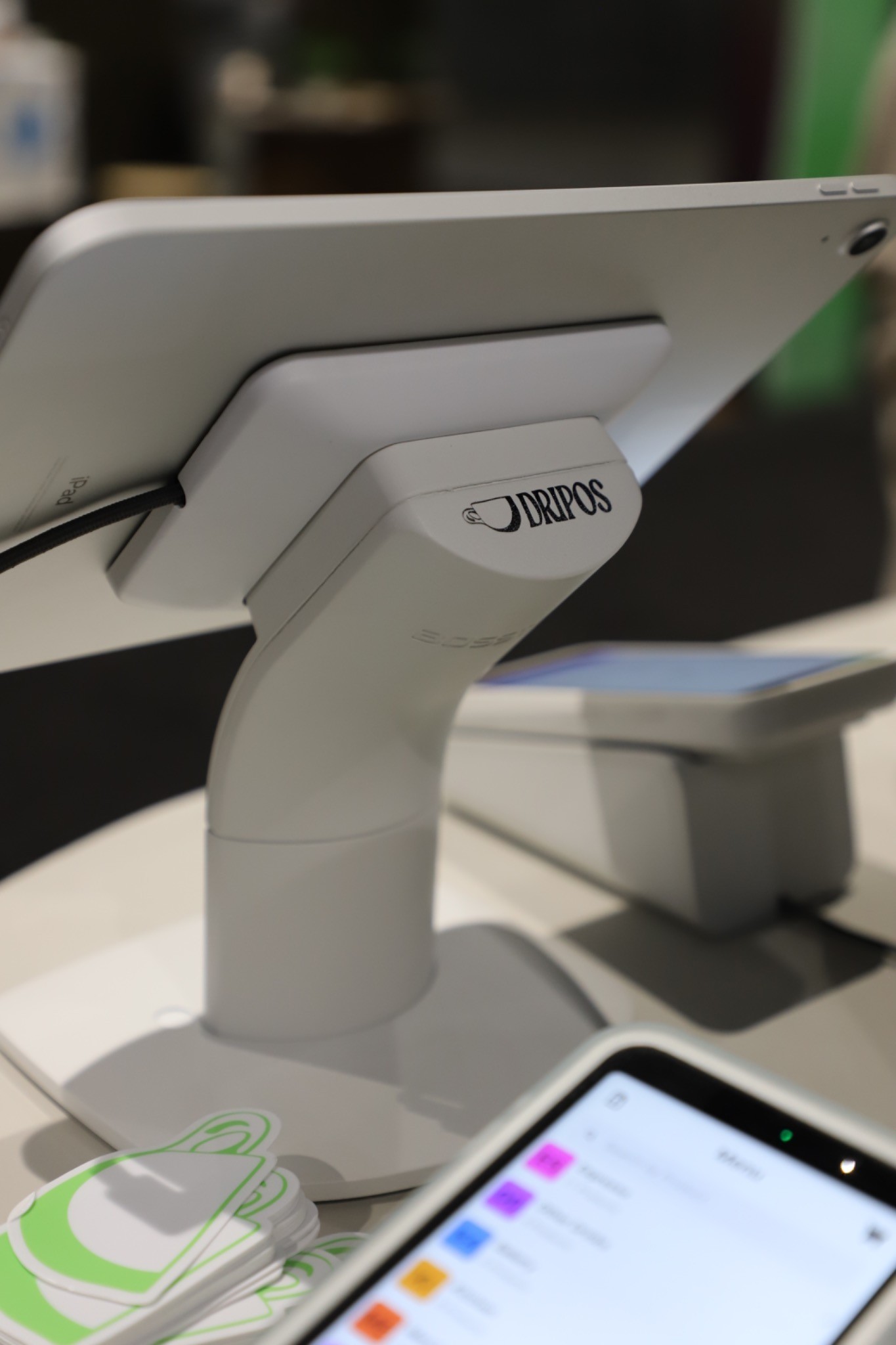
That's the case Dripos was built on. One platform covering your POS, online ordering, loyalty, scheduling, payroll, and customer communications, designed specifically for independent coffee shops and backed by support that knows what a Saturday rush looks like.
Ready to see how it works?
If you're evaluating cafe POS systems and want to see what an all-in-one setup looks like in practice, we're happy to walk you through it. Get started here. In the meantime, you can get more information here.