April 2026 Feature Bash: 11 Updates Built From Your Feedback

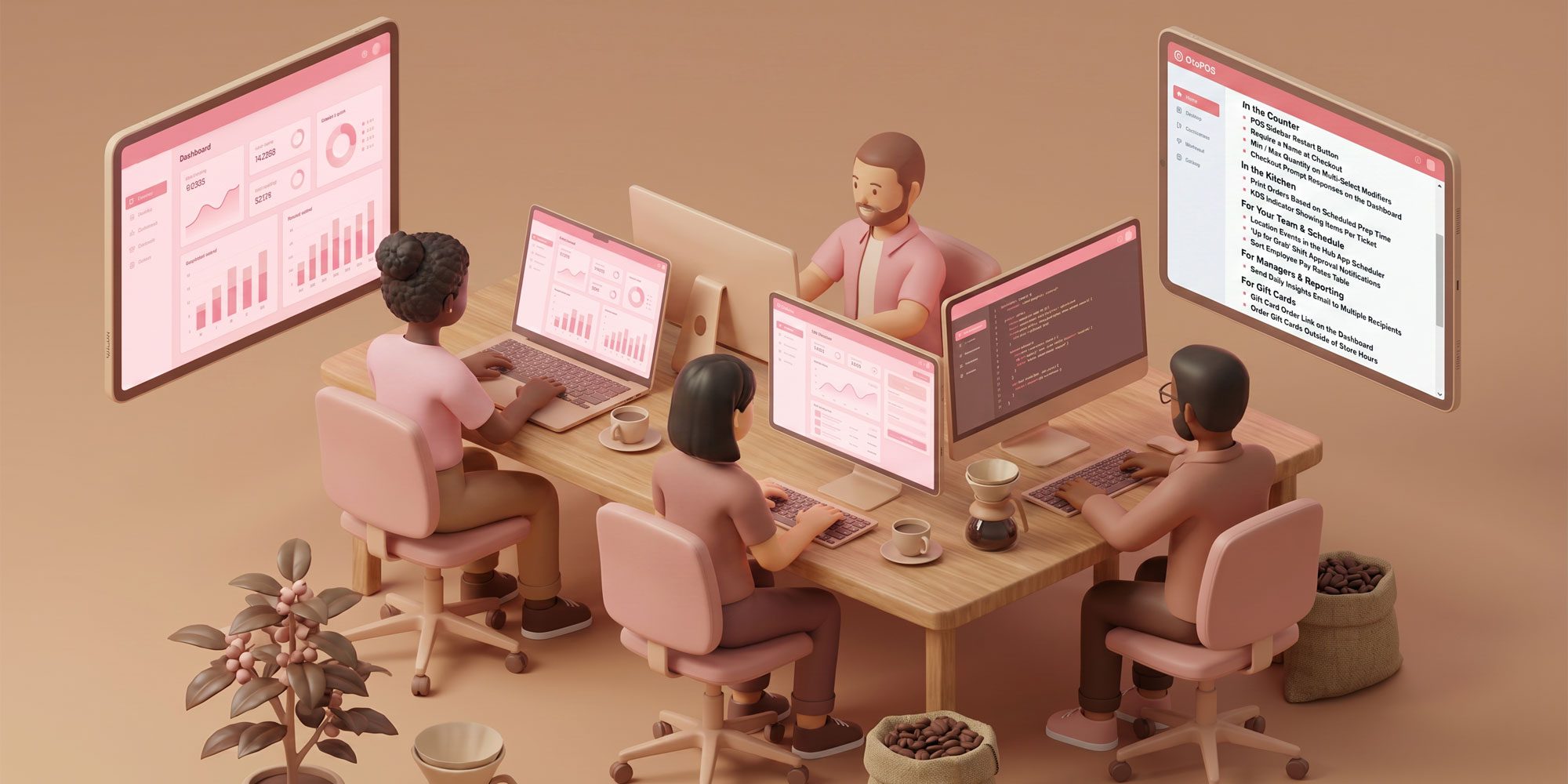
Every feature in this release started the same way — with a request from a shop using Dripos every day. Our team spent the past few weeks heads-down turning those ideas into real tools you can use right now.
Here's everything that just went live, organized by where you'll find it.
At the Counter
POS Sidebar Restart Button Need to restart your POS? There's now a Restart button built right into the sidebar — no more digging around. If you prefer, you can still trigger a restart from Advanced Settings or the button in the top-right corner of the sidebar.
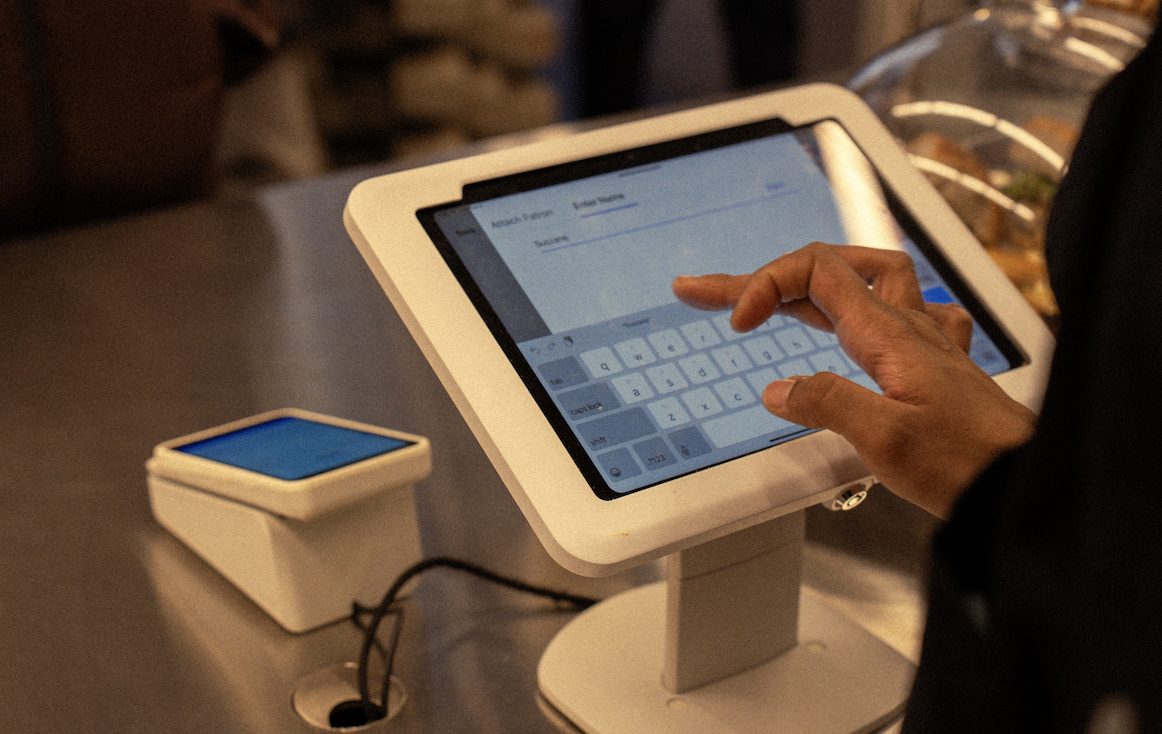
Require a Name at Checkout Keep every order organized. Head to Register Settings to turn on the new "Require a Name at Checkout" option. Once enabled, a prompt will pop up mid-checkout so your team never forgets to grab a name.
Min / Max Quantity on Multi-Select Modifiers Take full control of how customers customize their orders. You can now set minimum and maximum limits on both the number of modifiers selected and the quantity of each modifier — perfect for build-your-own items, combo rules, or anywhere you need guardrails.
Checkout Prompt Responses on the Dashboard Every answer to a checkout prompt is now visible inside the transaction on your Dashboard. Whether you're tracking allergy info, referral sources, or anything else you ask at checkout, it's all a click away.
In the Kitchen
Print Orders Based on Scheduled Prep Time Stop tickets from piling up too early. In Tickets & KDS Settings, you can now delay make ticket printing for scheduled orders until a set number of minutes before the scheduled order time. Your kitchen stays focused on what's next, not what's hours away.
KDS Indicator Showing Items Per Ticket If you use multiple KDS screens to route different items from the same ticket, each screen now shows how many items it's handling relative to the total. One station might display 3/5 while another shows 2/5 — so your team can instantly see how a ticket is split across stations and nothing gets missed.
For Your Team & Schedule
Location Events in the Hub App Scheduler Your employees can now see the full picture. Location events appear chronologically alongside work shifts in both the calendar and list views of the scheduler, so the team can understand their shifts in the context of broader store activities like promos, trainings, or special events.
"Up for Grab" Shift Approval Notifications When an "Up for Grab" shift gets claimed and needs approval, a notification now goes straight to the roles you choose. No more missed requests or delayed approvals — the right people get pinged the moment action is needed.
Sort Employee Pay Rates Table Quickly find exactly what you're looking for. Every column in the Employee Pay Rates table can now be sorted in ascending or descending order, making it much easier to review, audit, or spot outliers.
For Managers & Reporting
Send Daily Insights Email to Multiple Recipients One email, everyone who needs it. Multiple recipients can now receive the daily insights email, so managers and stakeholders stay informed automatically — no more forwarding reports or manually sharing numbers.
For Gift Cards
Gift Card Order Link on the Dashboard Share your gift card order website with ease. The unique link is now available on your Dashboard under Settings → Order Website Links, making it simple to grab and send to customers, add to your website, or include in marketing.
Order Gift Cards Outside of Store Hours Gift card sales no longer clock out when you do. Customers can now purchase gift cards any time of day, even when your shop is closed — capturing sales you would have missed.
What's Next
This release is a direct reflection of what we've heard from shops across our community. Every request, every piece of feedback, and every "wouldn't it be great if…" conversation shapes what we build.
Keep the ideas coming! Please reach out to our Success team if you would like to chat. They can reached at success@dripos.com.